Overture is a live music management platform, and promoters are one of the groups it serves. For every booking, agents and venues need a pile of information from the promoter: ticket sales figures, artwork, venue capacity, sound check and door times, set duration, stage specs, guest tickets, billing info. Promoters had been handling all of that through emails, spreadsheets and one-off forms that only really worked on a laptop.
Overture wanted one place for promoters to handle all of it. I designed that place as a mobile-first iOS app, working with the team at Decode Dev. Erick van Reenen was the UX designer on the project, and his groundwork on the flows and information architecture gave the visual design something solid to stand on.
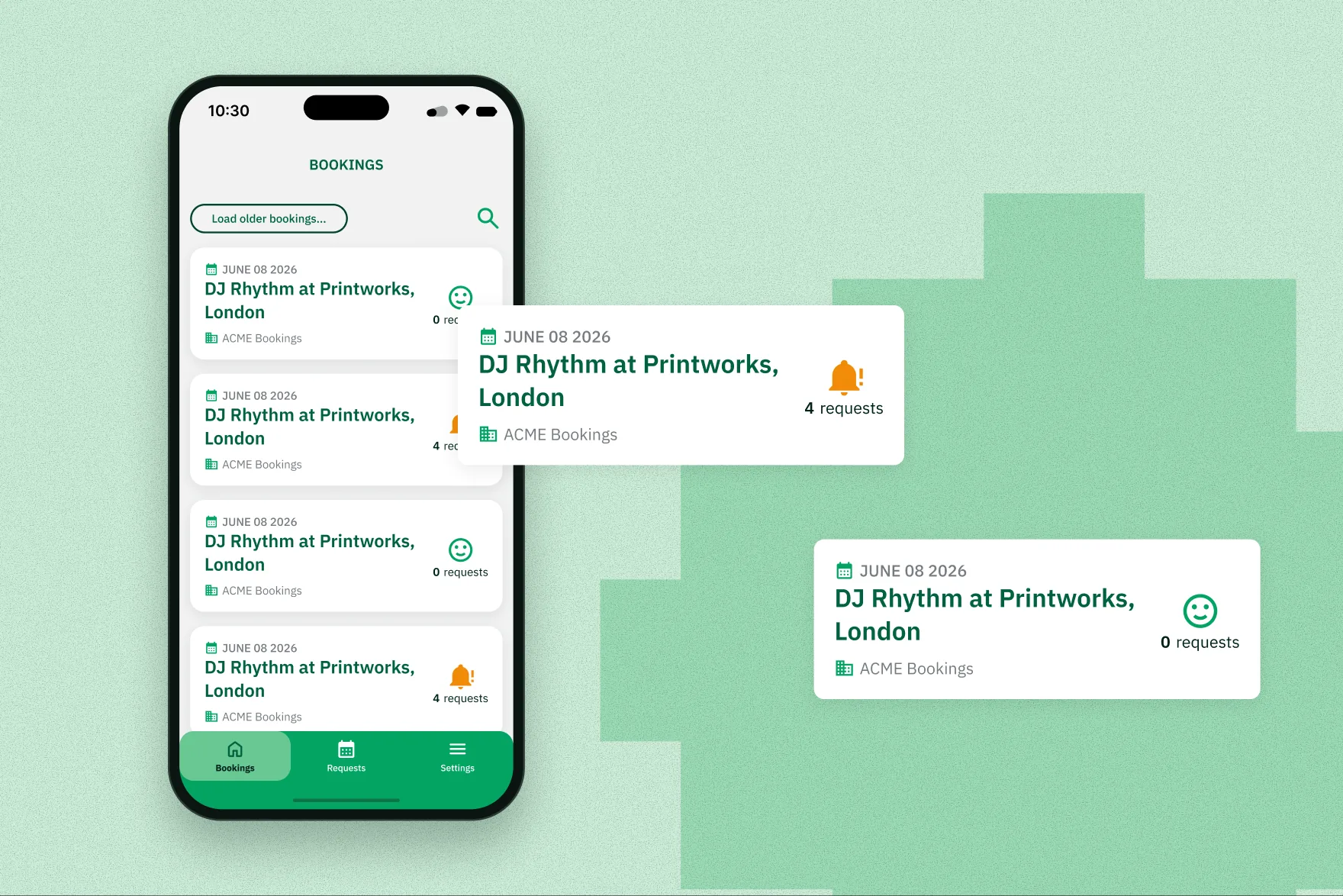
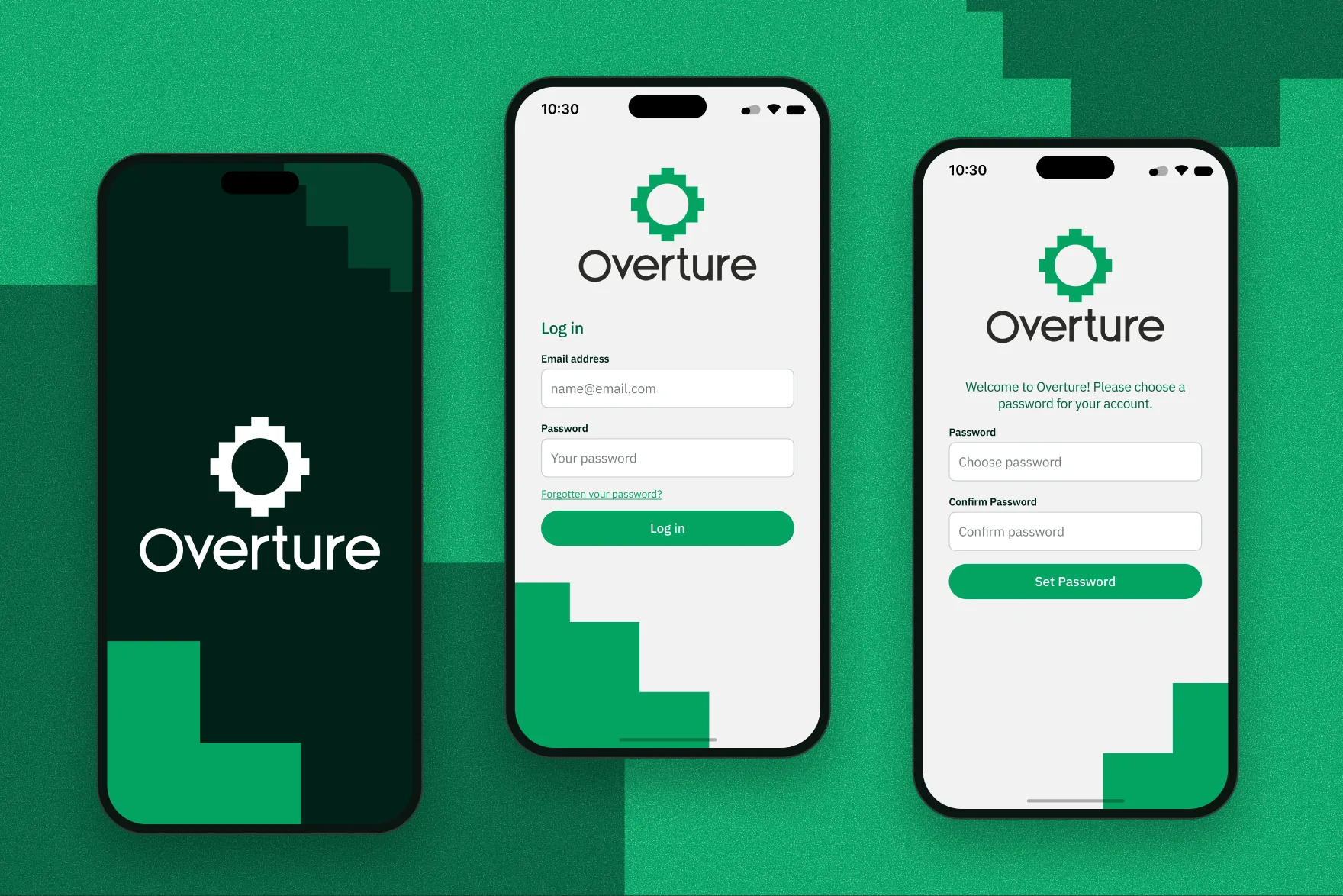
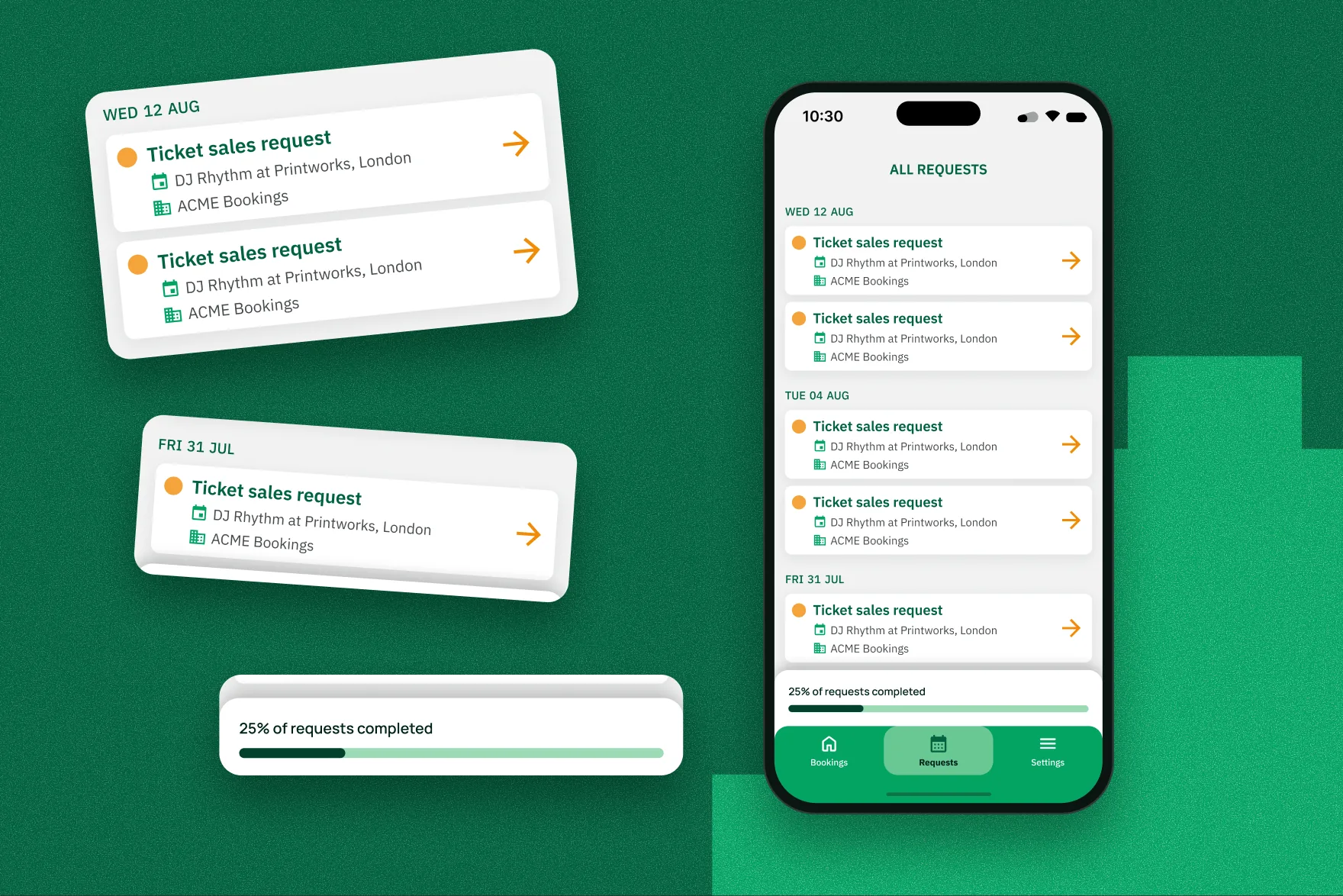
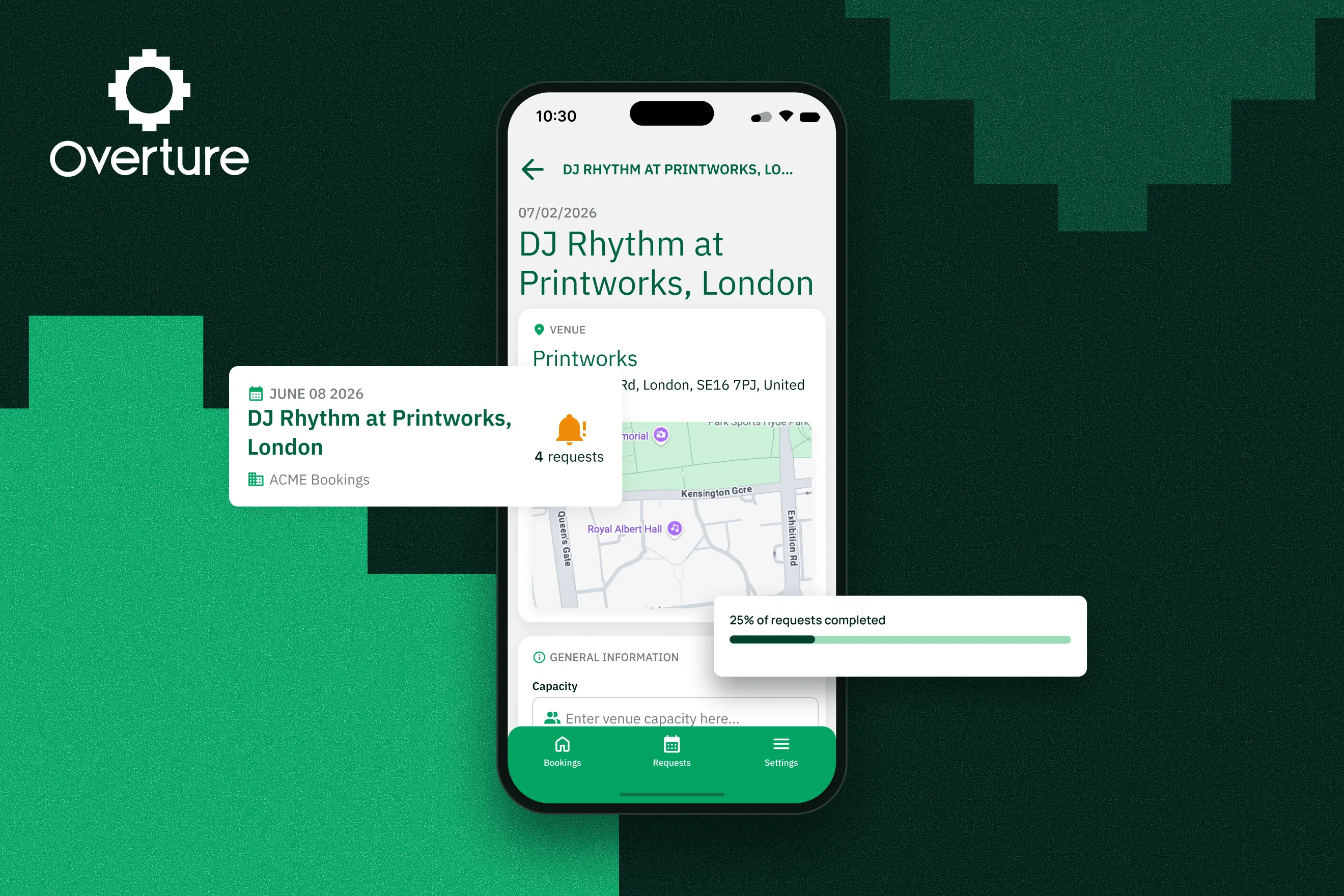
The app covers login and password setup, a bookings feed, a booking detail screen and a requests screen. On the feed, each booking card shows how many requests are still waiting, so you can see what needs you before you tap in. The requests screen gathers everything outstanding across all your bookings and groups it by date.
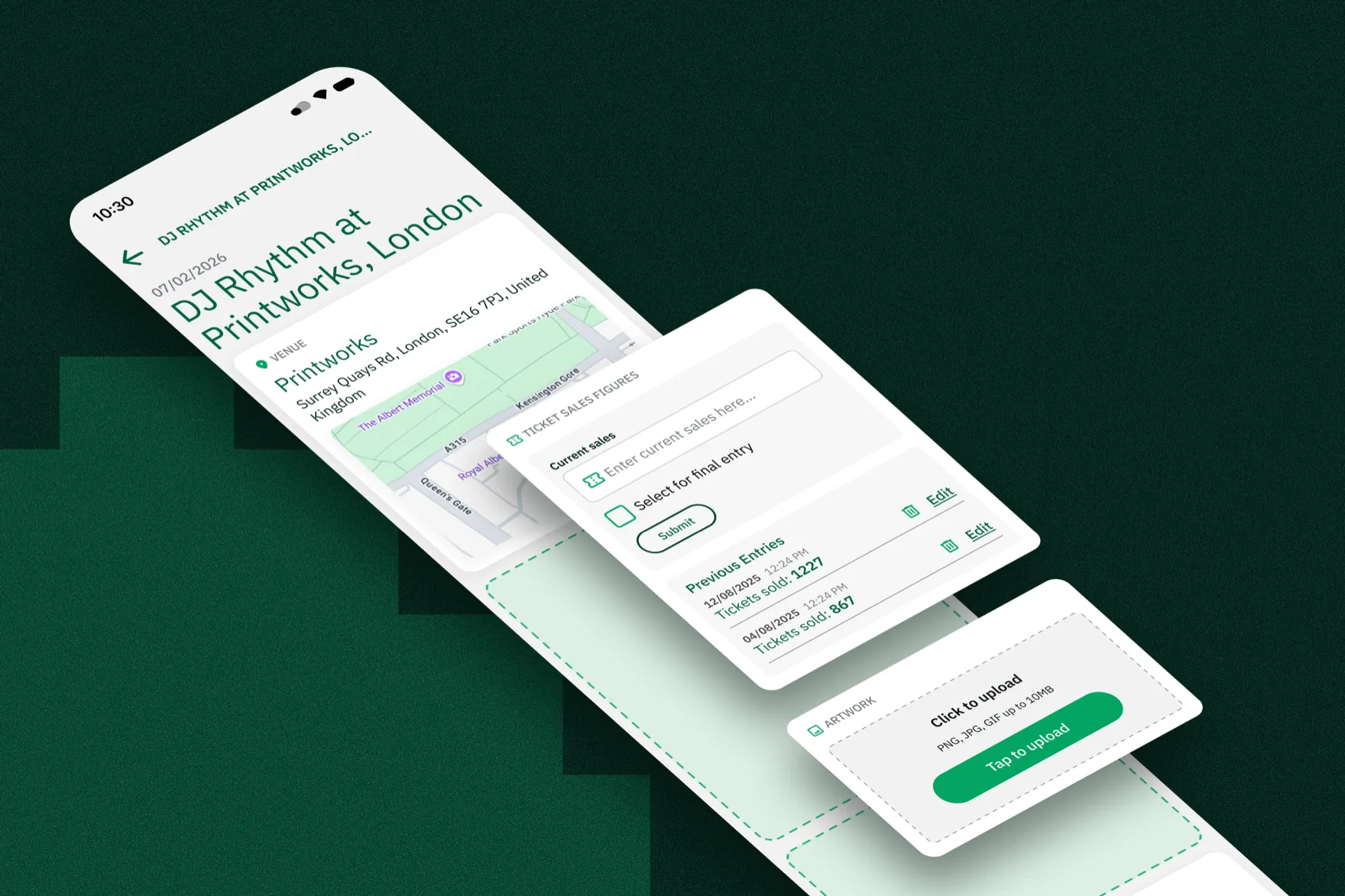
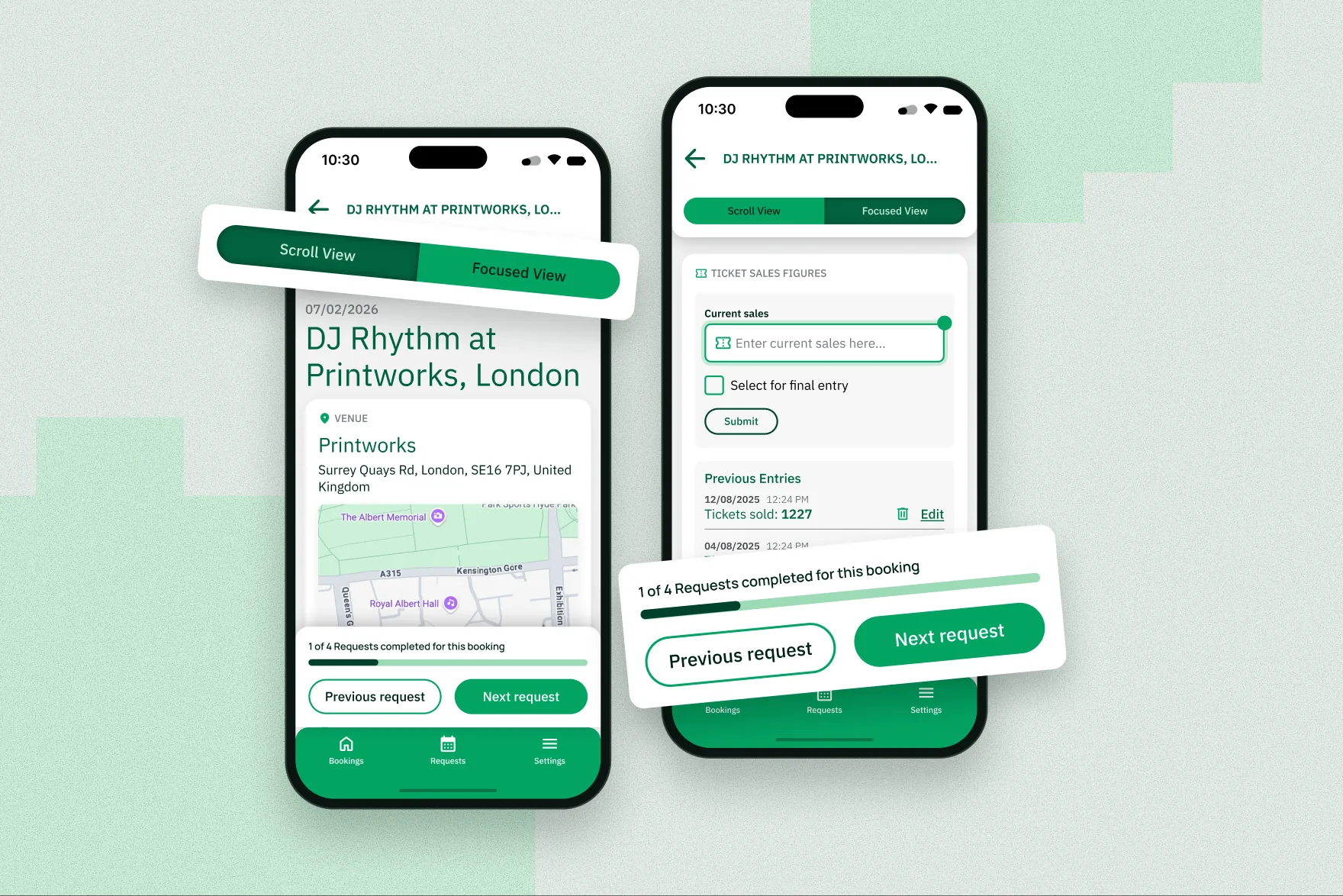
The booking detail screen was the hard part. It has to hold text fields, file uploads, ticket counters, a map and date-stamped sales logs in a single scrolling view, and the frame ended up close to 3000pt tall. Scrolling up and down that screen hunting for the next empty field would have been miserable, so the key piece is a requests wizard. It lays over the booking and walks you through each open request one at a time, without losing your scroll position. I split the fields into required and optional so the progress bar reflects how much is actually left to do.
I kept the scope tight on purpose. The design only covers the promoter's side, because other parts of the platform already handle the agent and venue views. Sharing for venue locations, ticket links and artwork stayed deliberately lightweight. I also built two reusable component sets, a booking card (with and without pending requests) and a request card (new and completed).
The result: promoters can now answer a batch of requests for a booking in one app and one view, from their phone, instead of filling out separate forms at a desk.